You have booked your flights, found somewhere to stay, and started planning your first afternoon away. Then a message arrives: your reservation needs another payment, or your travel application will be canceled unless you upload your passport immediately.
The request might look convincing, especially if it includes your name and travel dates. Before responding, take a moment to check who is contacting you, what they want, and whether the request matches an arrangement you actually made.
For travel paperwork, Handlevisa’s scam prevention and safety guide explains warning signs such as suspicious payment requests and promises of guaranteed approval. It also identifies Handlevisa as an independent, paid document assistance service. Understanding who provides a service and what you are paying for is a useful starting point before sharing personal information.
Check Who Is Behind the Website
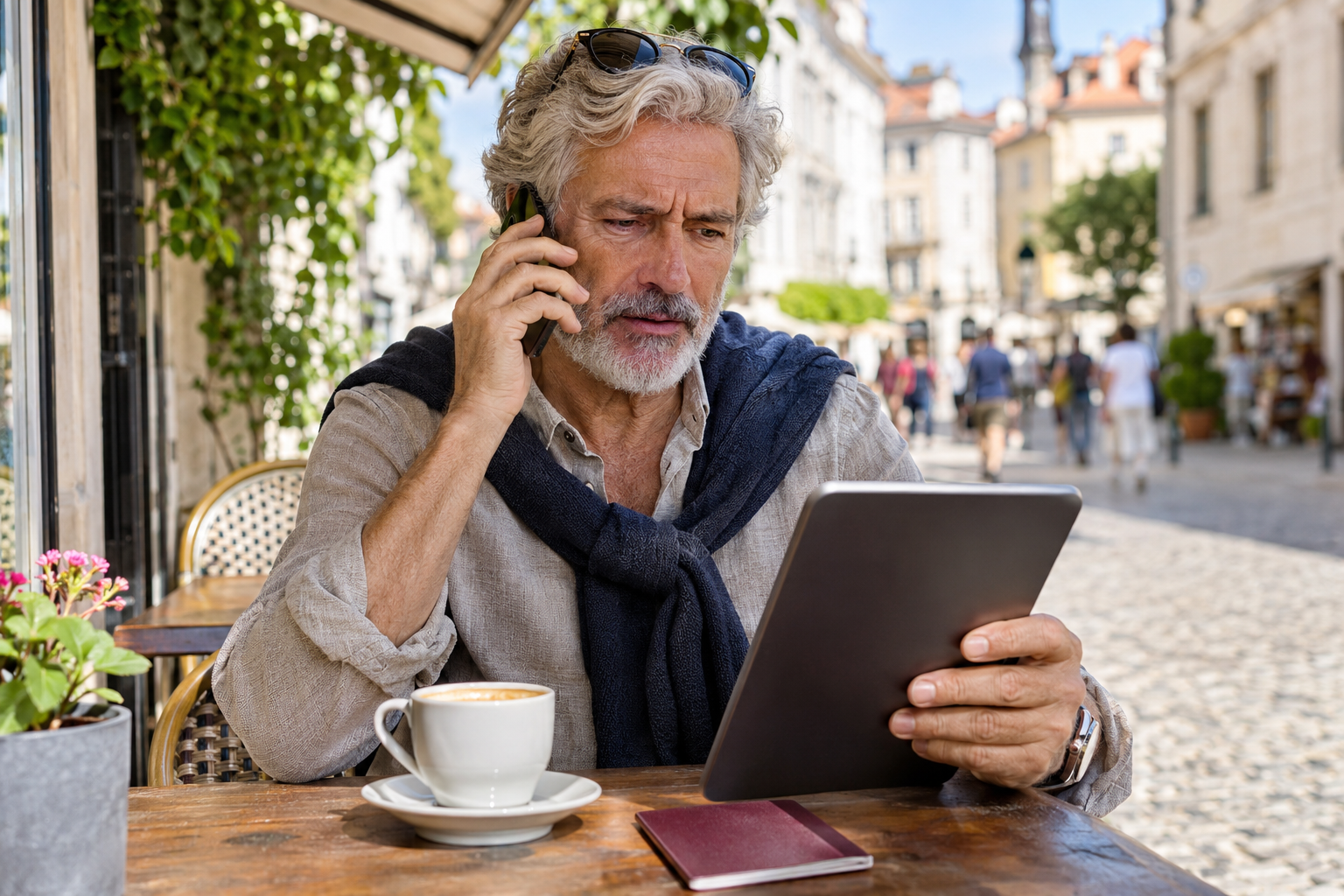
Before entering payment or passport details, establish which organization operates the website. Look for a business name, contact information, clear service terms, and an explanation of the charges.
If you choose application assistance, read what the service includes. Preparing documents, reviewing information, and providing support are different from deciding whether an application is approved. Treat any promise of guaranteed visa approval as a warning sign.
Check the website address carefully, too. ABTA’s advice on avoiding travel booking fraud recommends watching for small changes to domain names and researching a company beyond a single review. A familiar logo alone should not settle the question.
Verify Urgent Booking Messages Independently
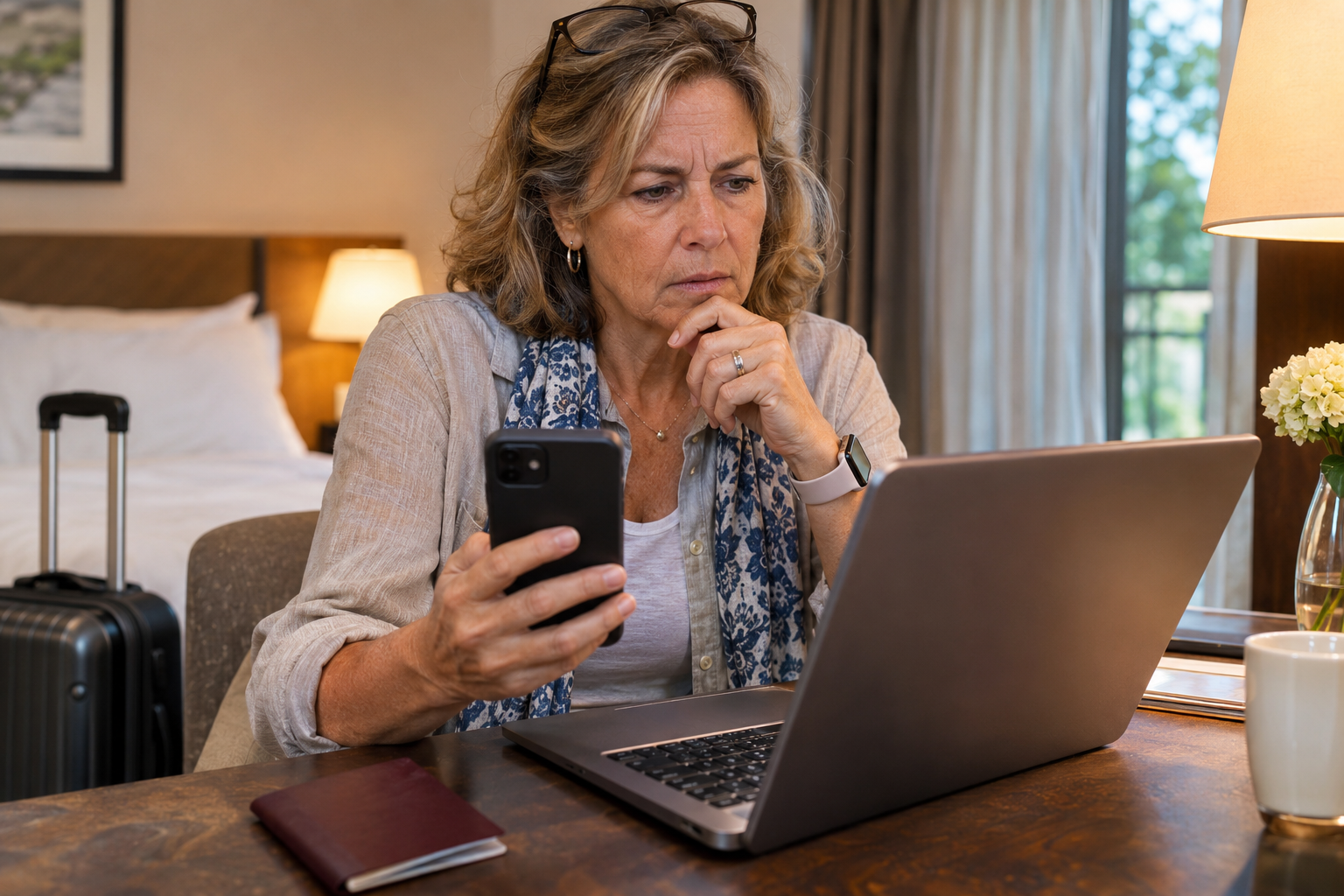
A message saying “pay now or lose your room” deserves a separate check before you act. Open your booking app yourself or use contact details from your original confirmation rather than following the new payment link.
Booking.com’s safety guidance for travelers warns that phishing messages can contain convincing details about a stay, including dates and costs. Knowing your reservation details does not prove the sender is legitimate.
Imagine receiving a WhatsApp message the evening before departure claiming your card failed. Compare it with the payment conditions you agreed to, then ask the booking provider to verify the request through its established support channel. Leave the payment link unopened while you check.
Read the Full Price Before Paying
Before confirming a purchase, make sure you understand the total, what it covers, and the cancellation or refund terms. For application assistance, check how the private service charge relates to any document or application fees.
For accommodation, compare the requested payment with your booking confirmation. A new recipient, an unexplained charge, or pressure to transfer money into someone’s personal account should prompt further checks. ABTA specifically advises against paying directly into a private individual’s bank account.
Save the receipt and the terms you accepted. Keeping those records together gives you something concrete to refer to if a later message claims you owe more or agreed to a different arrangement.
Treat Search Results as a Starting Point
When a flight changes or a reservation disappears, it is tempting to call the first support number you find. Take the extra step of checking it against the airline’s or booking company’s own website.
Cybersecurity company Malwarebytes describes travel scams involving cloned websites and payment messages, including imitation travel sites promoted through online advertising. Appearing prominently in search results does not establish that a page belongs to the company you need.
Before departure, save your airline app, booking reference, accommodation contact, and application provider’s address. Having those details ready makes independent verification easier when you are tired, distracted, or dealing with a disrupted journey.
Pause Before Uploading Documents
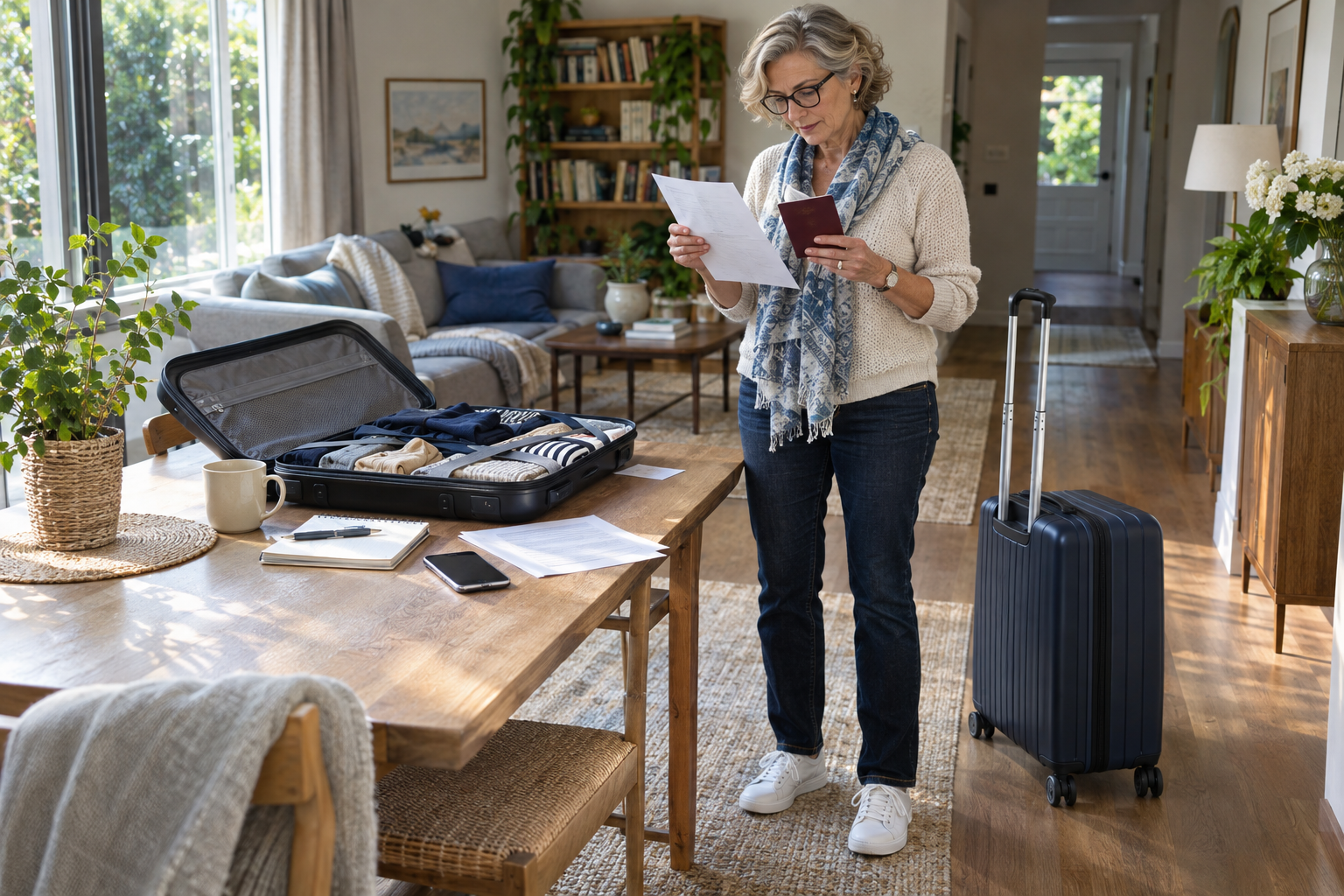
Passport information deserves the same attention as payment details. Before uploading a copy, confirm which organization is asking, why it needs the document, and which submission channel it uses.
If a request arrives unexpectedly, verify it through contact details you already trust. The fact that you recently booked a trip should not be enough to persuade you to send documents to a new email address or messaging account.
Build this check into your planning routine. Keep a short record of which services you used and what you submitted, so you can compare later requests with your own records.
Act Quickly if You Shared Information
If you entered card details on a suspicious page, contact your bank or payment provider promptly and explain what happened. If you disclosed an account password, change it through the genuine website or app and enable two-factor authentication where available. Booking.com recommends these steps following suspected phishing.
Save the messages, website addresses, receipts, and screenshots, then report the incident to the affected travel provider. Stop using the suspicious conversation while you verify what happened through a separate channel.
Before your next trip, make independent verification part of the preparation: check the provider, understand the charge, and confirm unexpected requests before responding. For a broader planning checklist, read our guide to common travel mistakes and how to avoid them.

About the Author: Ruben, co-founder of Gamintraveler.com since 2014, is a seasoned traveler from Spain who has explored over 100 countries since 2009. Known for his extensive travel adventures across South America, Europe, the US, Australia, New Zealand, Asia, and Africa, Ruben combines his passion for adventurous yet sustainable living with his love for cycling, highlighted by his remarkable 5-month bicycle journey from Spain to Norway. He currently resides in Spain, where he continues sharing his travel experiences with his partner, Rachel, and their son, Han.