
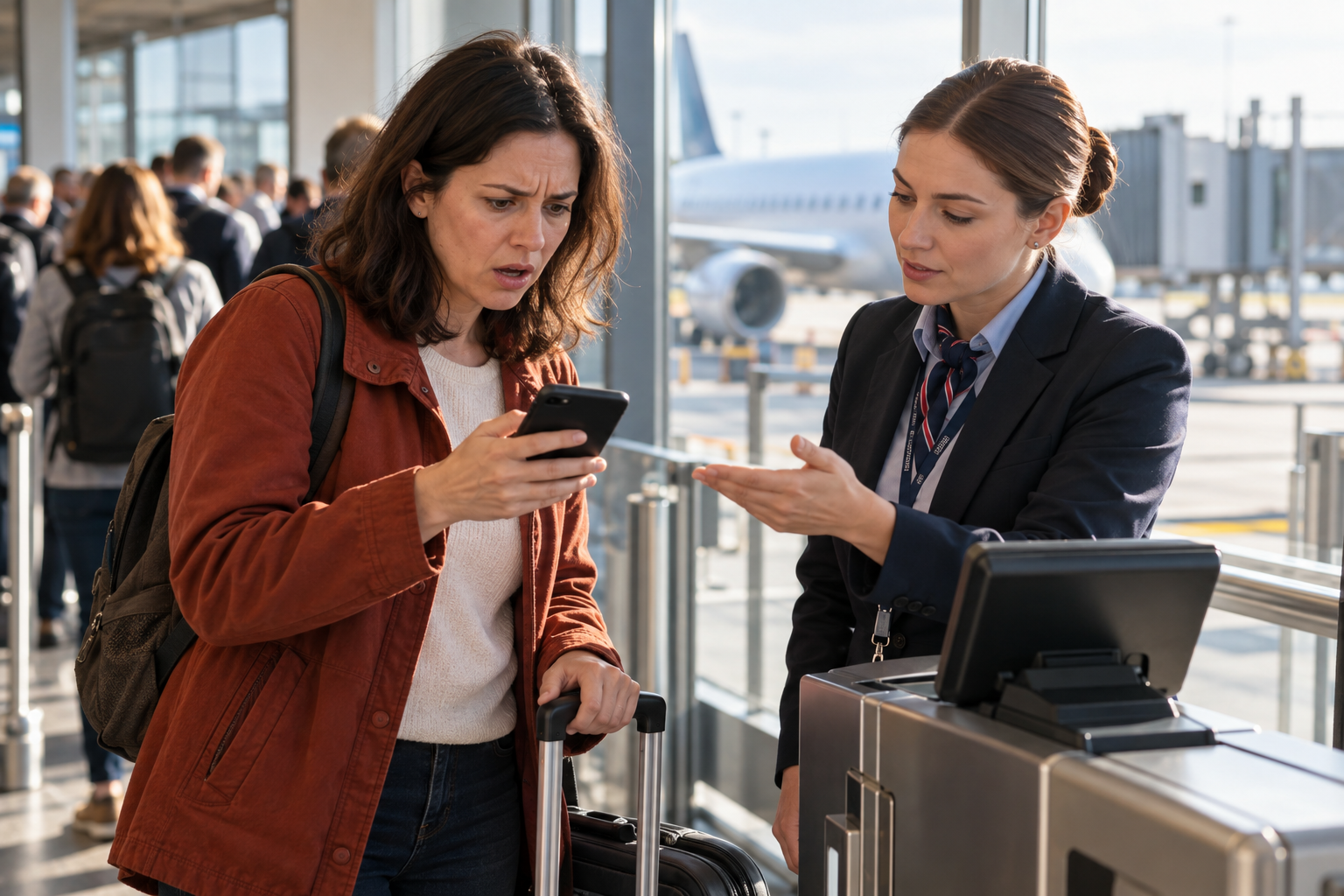
It feels like the smart, cautious thing to do. You check in for your flight, your boarding pass appears on your phone, and to make absolutely sure you never lose it, you take a quick screenshot, tucking a permanent copy into your photos where no app crash or dead connection can ever take it away.
It seems like belt-and-suspenders preparation, the mark of an organized traveler. And yet it is, in fact, one of the small mistakes most likely to leave you stranded at the gate, staring down at an image that has quietly become wrong. The screenshot is frozen; the airport is not. So here is why that screenshotted boarding pass can quietly betray you, why the live version in the airline app or your phone’s wallet always wins, and the two-minute habit that keeps you from being the person turned away while the plane boards. It is a small thing to get right and a genuinely bad one to get wrong.
What follows is the screenshot that betrays you, why the frozen image fails, why the live pass always wins, when a screenshot actually helps, and the simple habit that prevents the whole problem.
The Screenshot That Betrays You

The appeal of the screenshot is obvious and entirely understandable. A boarding pass lives inside an app or a mobile wallet, and apps can crash, connections can drop, batteries can die, and in the anxious logic of travel it feels safer to have a plain, static image saved in your photo roll, something that will be there no matter what your phone or the airport wifi does. The instinct is sound; it is only the execution that goes wrong, because the safe copy is safe from the wrong dangers. So people screenshot the pass, feel prepared, and close the app, confident they have outsmarted the fragility of technology. It is the kind of small preparedness that feels responsible in the moment and quietly plants the seed of the problem you will meet later at the gate.
The trouble is that a boarding pass is not really a static thing, even though it looks like one, and a screenshot freezes it at a single moment in a process that keeps moving right up until the plane leaves. The information on that pass, the gate, boarding time, seat, and increasingly the barcode itself can all change between the moment you capture the image and the moment you reach the gate, and your screenshot knows nothing of any of it. What felt like a prudent backup is actually a snapshot of a situation that has since moved on, and relying on it means relying on information that may already be out of date without your knowing. The very permanence that makes the screenshot feel safe is exactly what makes it dangerous: it cannot update, and at an airport, things update constantly. A boarding pass is less like a printed ticket and more like a little live display of your flight, and freezing it into a photo is like photographing a clock and expecting it to keep the time.
Why the Frozen Image Fails

There are several distinct ways the frozen screenshot lets you down, and it is worth understanding each, because together they explain why the practice is riskier than it looks. The first and most common is stale information, above all the gate. Gate assignments change all the time, often at the last minute, and a live boarding pass updates to show the new one while your screenshot proudly displays the old. A traveler trusting the screenshot can march confidently to the wrong gate, settle in, and only realize the mistake when it is nearly too late, all while the correct gate sat updated in the app they had closed. By the time the announcement finally cuts through, the walk to the real gate can be a long one, and boarding may already be closing.
The second, and increasingly important, is the barcode itself. To combat fraud, many airlines now use dynamic barcodes that refresh periodically, sometimes every few minutes, so that the code is only valid for a short window. a screenshot captures a frozen version of such a code, invalid by the time it is scanned, and the gate reader will reject it. Even where the barcode is not dynamic, a screenshot can fail to scan for duller reasons, compression that degrades the image, or a screen too dim for the reader, whereas a live wallet pass automatically brightens the screen to scan. It is a small thing, that automatic brightness, but it is the difference between a clean beep and the agent whacking the reader against your dim photo while the line grows behind you.
And beyond these, a screenshot cuts you off from everything else the live pass carries, the delay alerts, the boarding-group updates, the notifications that tell you what is actually happening with your flight. The screenshot does not just risk being wrong; it disconnects you from the flow of real-time information that a modern boarding pass is designed to deliver, leaving you traveling blind on a frozen picture. The whole point of a digital pass is that it talks to the airline in real time, and a screenshot is that pass with the line cut.
Why the Live Pass Always Wins
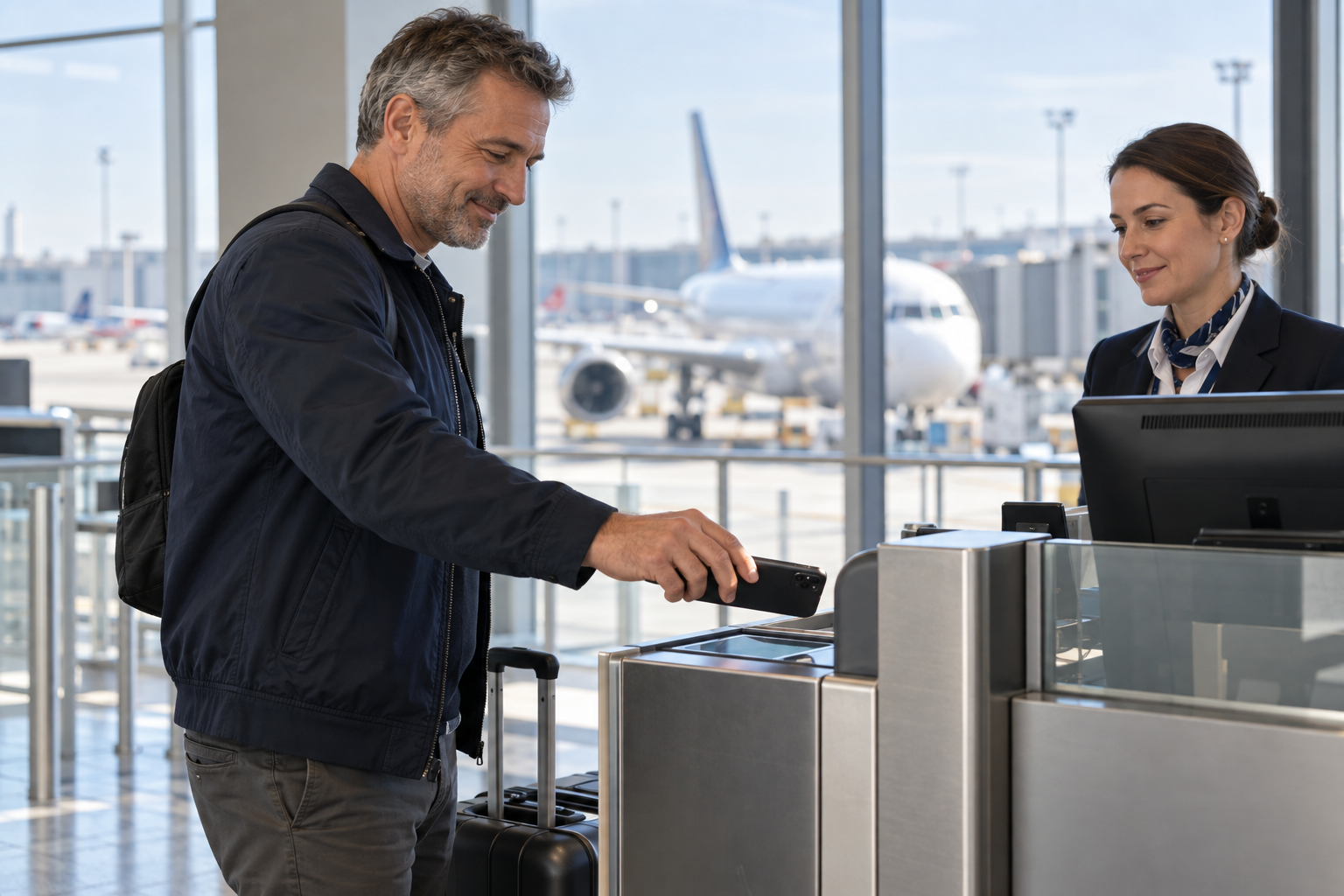
Set against the frozen screenshot, the live boarding pass, held either in the airline’s own app or, better still, in your phone’s digital wallet, wins on every count, precisely because it is alive. When your gate changes, the wallet pass changes with it, showing you the correct gate without your having to do anything. When your boarding time shifts or your flight is delayed, the pass reflects it.
When the airline uses a refreshing barcode, the wallet always holds the current, valid one, so it scans when a screenshot would be rejected. You never have to think about which version of the code is live, because the wallet simply always shows the one that is. The living pass stays in step with the moving airport in a way a static image never can. It is doing quiet work on your behalf the whole time you are in the terminal, watching for the changes you would otherwise have to chase down yourself.
The digital wallet, in particular, the Apple Wallet or Google Wallet built into your phone, is the quiet hero, and it solves the very fears that drive people to screenshot in the first place. A wallet pass works offline, so it does not need a connection or the app to open, addressing the crash-and-dead-wifi anxiety directly.
It surfaces itself automatically, often popping up on your lock screen when you reach the airport, so you are not fumbling through an app. It brightens the screen on its own for scanning. And it updates when the flight’s details change.
In other words, the wallet pass delivers everything the screenshot was reaching for, permanence, offline access, and reliability, while adding the one thing the screenshot fatally lacks, the ability to stay current. This is why seasoned travelers and the airlines themselves push the wallet pass so hard: it is the format that is both dependable and live, which is exactly the combination a boarding pass needs. Every prompt to add the pass to your wallet at check-in is the airline quietly trying to save you from the screenshot instinct, whether you realize it or not. The airline app always wins not because it is fancier but because it is connected to the truth of your flight in a way a photograph can never be. It is not a question of technology for its own sake; it is a question of whether the document in your hand knows what is actually happening.
It Happens With Trains and Events Too
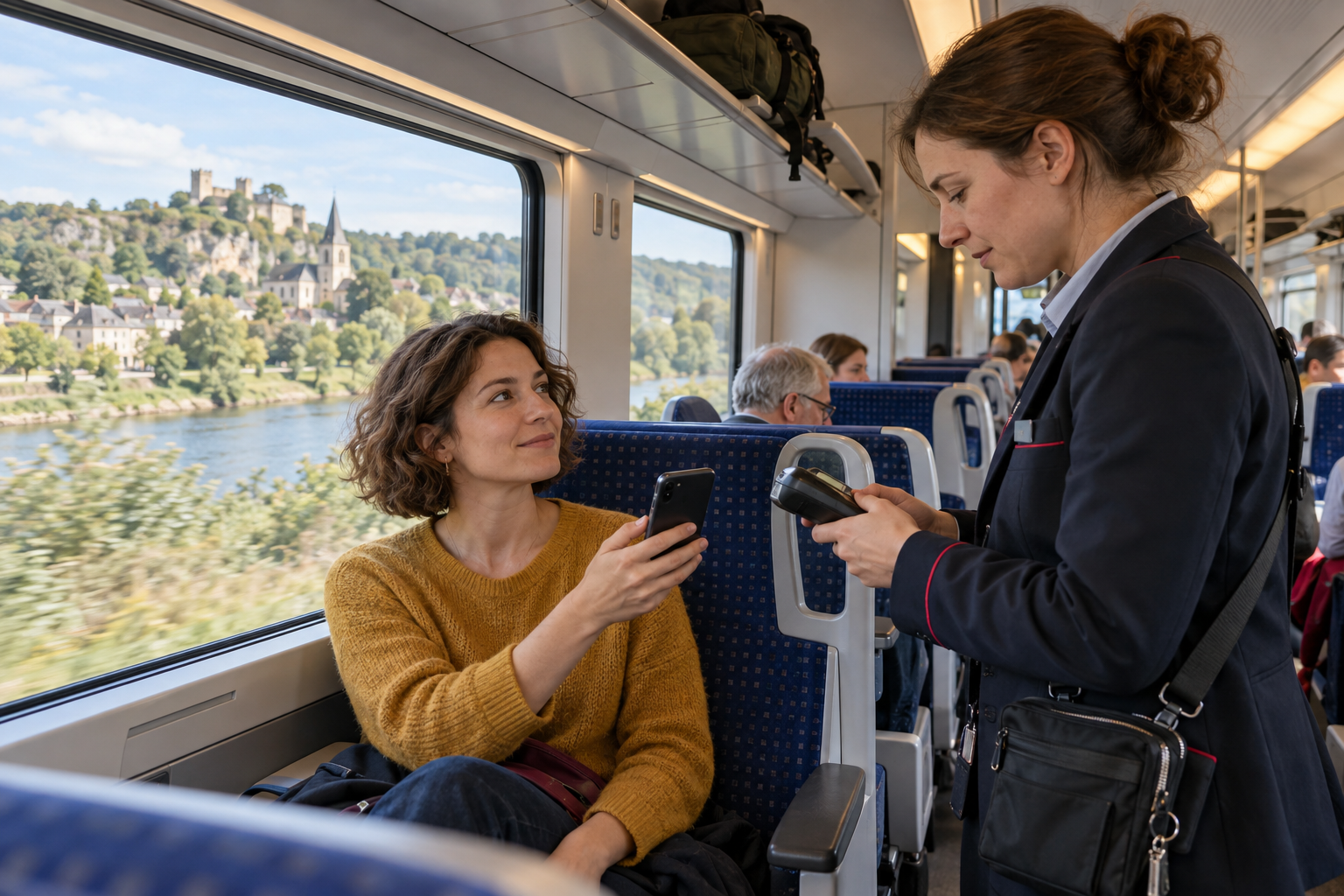
The boarding-pass version of this mistake is the most famous, but the same trap has quietly spread to the other tickets that now live on our phones, which matters enormously for anyone spending time in Europe, where so much travel happens by rail. European train tickets are increasingly digital, and many now carry the same kind of dynamic, refreshing barcode that airlines use, precisely to stop people passing screenshots around. Screenshot one of those and you may find, at the barrier or when the conductor comes through, that your frozen code no longer scans, exactly as at an airport gate.
Concert, festival, and event tickets have gone the same way, often even more aggressively, with rotating barcodes designed to prevent the reselling and duplication that a static screenshot would allow. Venues increasingly state plainly that a screenshot will not get you in, and that you must present the live ticket in the official app or in your wallet, and they mean it, turning people away at the door who assumed a photo would do. The underlying lesson is identical across all of them: as more of travel and life moves to dynamic, anti-fraud digital tickets, the old instinct to screenshot for safety becomes actively risky, because the very feature that makes these tickets secure, the refreshing code, is the feature a screenshot cannot capture. Whether it is a plane, a train, or a concert, the rule is converging on the same thing: keep the ticket live, in the app or the wallet, and treat any screenshot as a backup rather than the real thing.
When a Screenshot Actually Helps
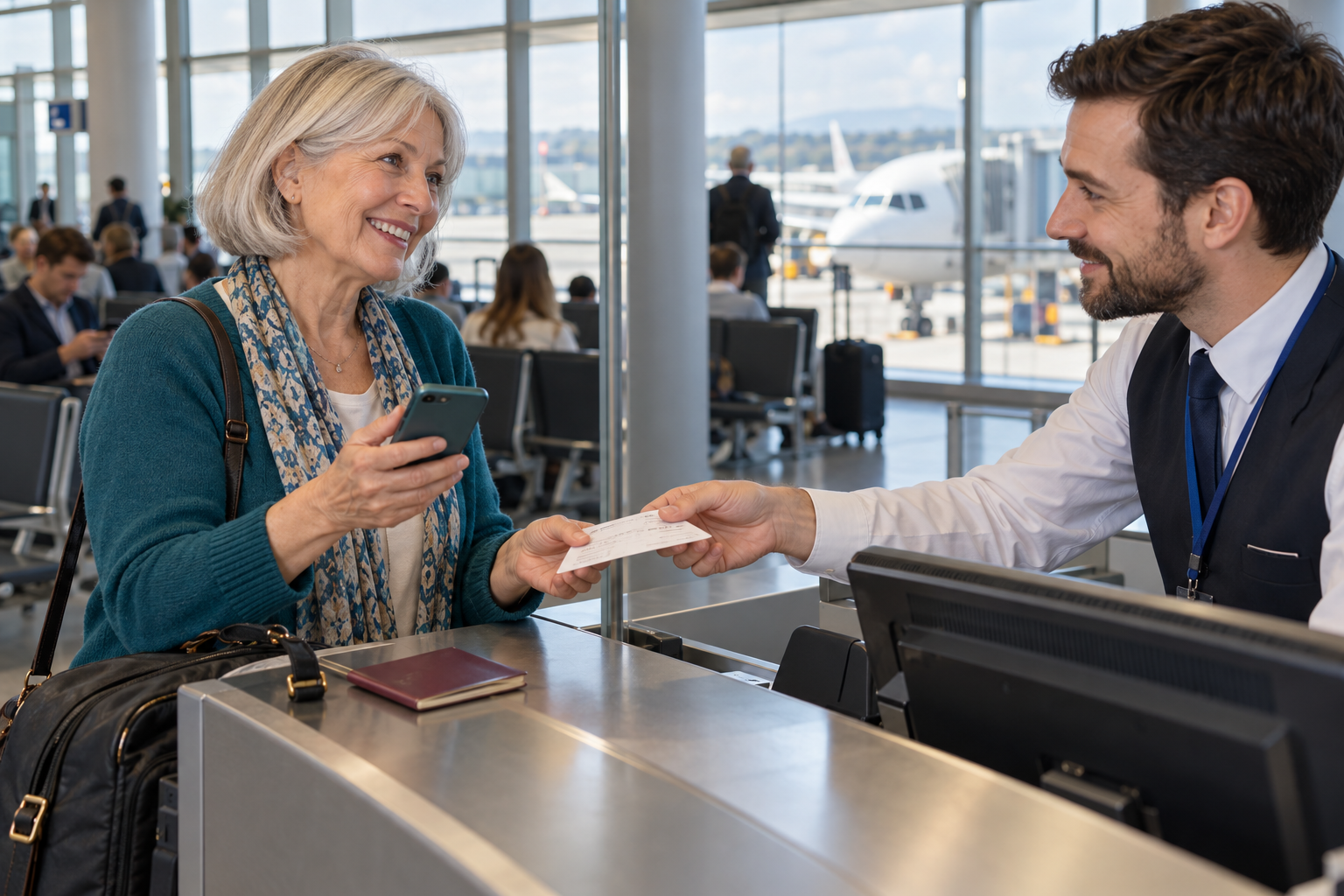
Honesty requires a caveat, because the screenshot is not useless, and the sensible position is not never screenshot but never rely on the screenshot as your only pass. As a backup, a screenshot can genuinely save you. If the app implodes at the worst moment, or the wallet pass mysteriously refuses to load, a screenshot gives the gate agent something to work from, a visible record of your name, flight, and confirmation that lets them look you up and board you manually or reprint your pass. In that narrow role, as a fallback when the live version fails, the screenshot is a reasonable and even smart thing to have. Agents deal with dead phones and glitchy apps all day, and anything that helps them find you quickly is welcome; a screenshot with your name and flight on it is one such thing.
There are also situations where a screenshot scans perfectly well: when the barcode is a plain, static one, a screenshot is functionally identical to the original and will read fine, which is why the practice works often enough to feel safe. And for international travel, where an American carrier’s app may not play nicely with foreign airport scanners, redundancy, the wallet pass, a screenshot, and your confirmation code, is genuinely wise. The point is not that the screenshot is worthless but that its proper place is the bench, not the field: keep one as insurance, by all means, but let the live wallet pass or app be the thing you actually present, so that the pass you rely on is the one that stays current. A backup that cannot update is a fine backup and a dangerous primary. Hold that distinction and the screenshot becomes an asset rather than a liability.
The Simple Habit That Prevents It
All of this resolves into one easy habit that takes about two minutes and removes the whole risk, and it is worth building into every trip. The moment you check in and your boarding pass is issued, add it to your phone’s digital wallet, the Apple Wallet or Google Wallet, rather than just leaving it in the airline app or, worse, screenshotting it and closing everything. That single step gives you a pass that is offline-capable, self-updating, and reliable, the best of all worlds. It takes one tap at check-in, the airline app and the wallet are built to hand the pass back and forth, and once it is in the wallet you can more or less forget about it until the airport. Then, if you like, take a screenshot too, and keep it as a clearly-understood backup, not as your main document. And note down your booking confirmation code, the short reference that lets any agent find your reservation instantly if all the digital options fail at once.
With those few seconds of preparation, the entire scenario that strands people simply cannot happen to you. Your gate is always current because the wallet updates it; your barcode is always valid because the wallet holds the live one; your pass scans because the wallet brightens the screen; and if by some unlucky chance everything digital fails, you have a screenshot and a confirmation code to fall back on. Every failure mode has an answer, and none of them requires you to have done anything clever, only to have added the pass to your wallet on the way out the door.
It is worth adding, for reassurance, that even a failed scan at the gate is not the catastrophe it feels like in the moment; it happens to a small number of travelers on every shift, and agents resolve it quickly by looking you up and boarding you by hand. The real danger was never the failed scan, which is fixable, but the confident march to the wrong gate on stale information, which the live pass prevents entirely. People rarely miss flights because a barcode would not read; they miss them because they were standing, relaxed and certain, in the wrong part of the terminal. Trust the wallet, keep a screenshot in reserve, know your code, and let the airport update the one document that decides whether you make your flight. Do that, and the pass in your pocket will always know something the screenshot never could: what is actually happening, right now, to your flight.

About the Author: Ruben, co-founder of Gamintraveler.com since 2014, is a seasoned traveler from Spain who has explored over 100 countries since 2009. Known for his extensive travel adventures across South America, Europe, the US, Australia, New Zealand, Asia, and Africa, Ruben combines his passion for adventurous yet sustainable living with his love for cycling, highlighted by his remarkable 5-month bicycle journey from Spain to Norway. He currently resides in Spain, where he continues sharing his travel experiences with his partner, Rachel, and their son, Han.